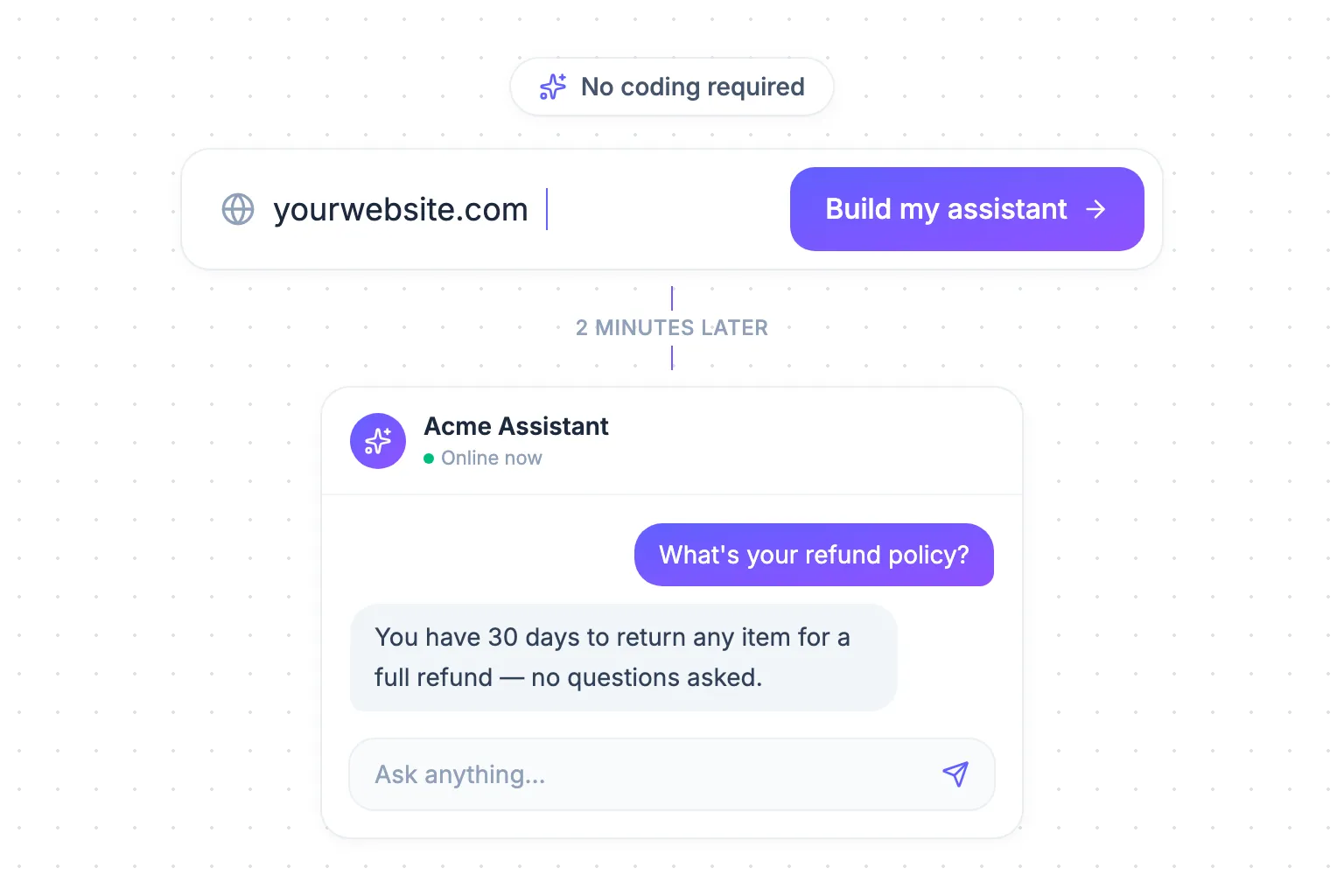
Somewhere on your website right now, a potential customer has a question.
Maybe it’s about pricing. Maybe it’s “do you ship to Canada?” or “does this integrate with Shopify?” The answer is probably already on your site — buried three clicks deep on a page they’ll never find.
So they leave. And they buy from whoever answers first.
Here’s the good news: fixing this no longer requires hiring developers, writing scripts, or spending weeks “training a bot.” You can build a custom AI assistant — one that actually knows your business, because it learned it from your website — in about the time it takes to make a coffee.
No coding. No uploading documents. No flowcharts. Just your website URL.
Let me show you exactly how it works.
What “custom” actually means here
Generic chatbots follow scripts. You write out every question and answer by hand, wire them into decision trees, and the moment a customer phrases something differently — “Sorry, I didn’t understand that.”
A custom AI assistant is different. It reads your actual website — your product pages, pricing, FAQs, docs, policies — and answers questions the way a well-trained employee would: in natural language, grounded in your real content.
The old way to get one of these built involved developers, data pipelines, and a five-figure invoice. The new way takes three steps.
Step 1: Enter your website URL
That’s the whole first step. Really.
Go to siteassist.io, type your website address into the box, and click Build my assistant.
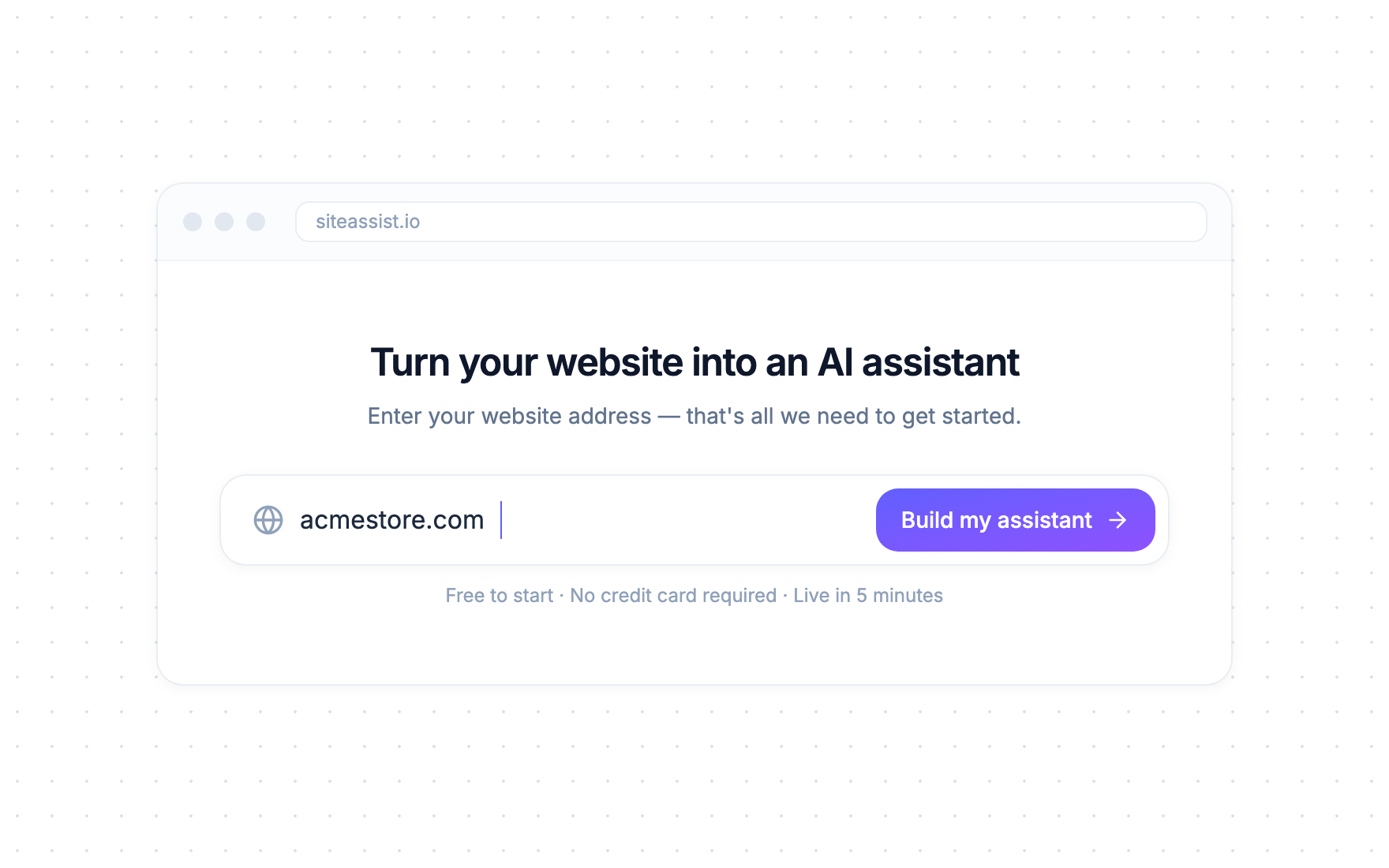
No credit card. No setup wizard with fourteen screens. The URL is all the AI needs to get started, because everything it needs to learn is already on your website — you’ve spent years putting it there.
Step 2: The AI reads your website (grab that coffee)
The moment you hit the button, a crawler starts reading your site the way a very fast, very thorough new hire would: page by page, section by section.
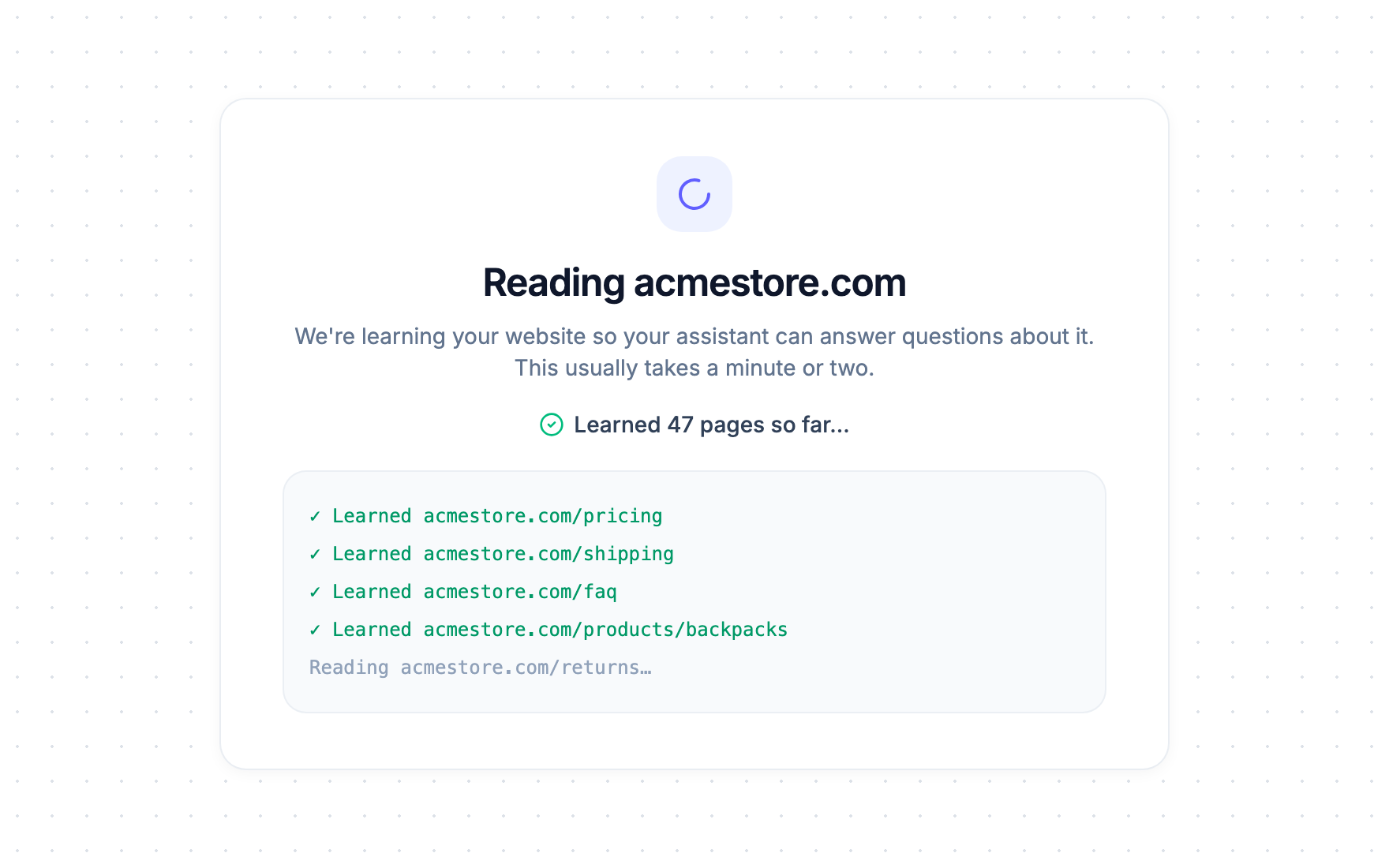
You can watch it work in real time — “Learned 47 pages so far…” — and it typically takes a minute or two for most websites. You don’t have to babysit it either; the crawl keeps running in the background even if you close the tab.
While you sip your coffee, the AI is doing what would take a human days:
- Reading every page — products, pricing, shipping policies, help articles, about pages
- Understanding how it connects — so “what’s your refund window?” finds the answer inside your terms page
- Preparing to answer in plain language — not copy-pasting paragraphs, but actually answering the question asked
When it’s done, you get a working assistant you can test immediately. Ask it your customers’ most common questions and watch it answer — with the same information a customer would find on your site, minus the searching.
Step 3: Paste one snippet on your site — done
The last step is the one that sounds technical but isn’t: putting the assistant on your website.
You copy one small snippet and paste it into your site — the same way you’d add a YouTube embed or a Google Analytics tag.
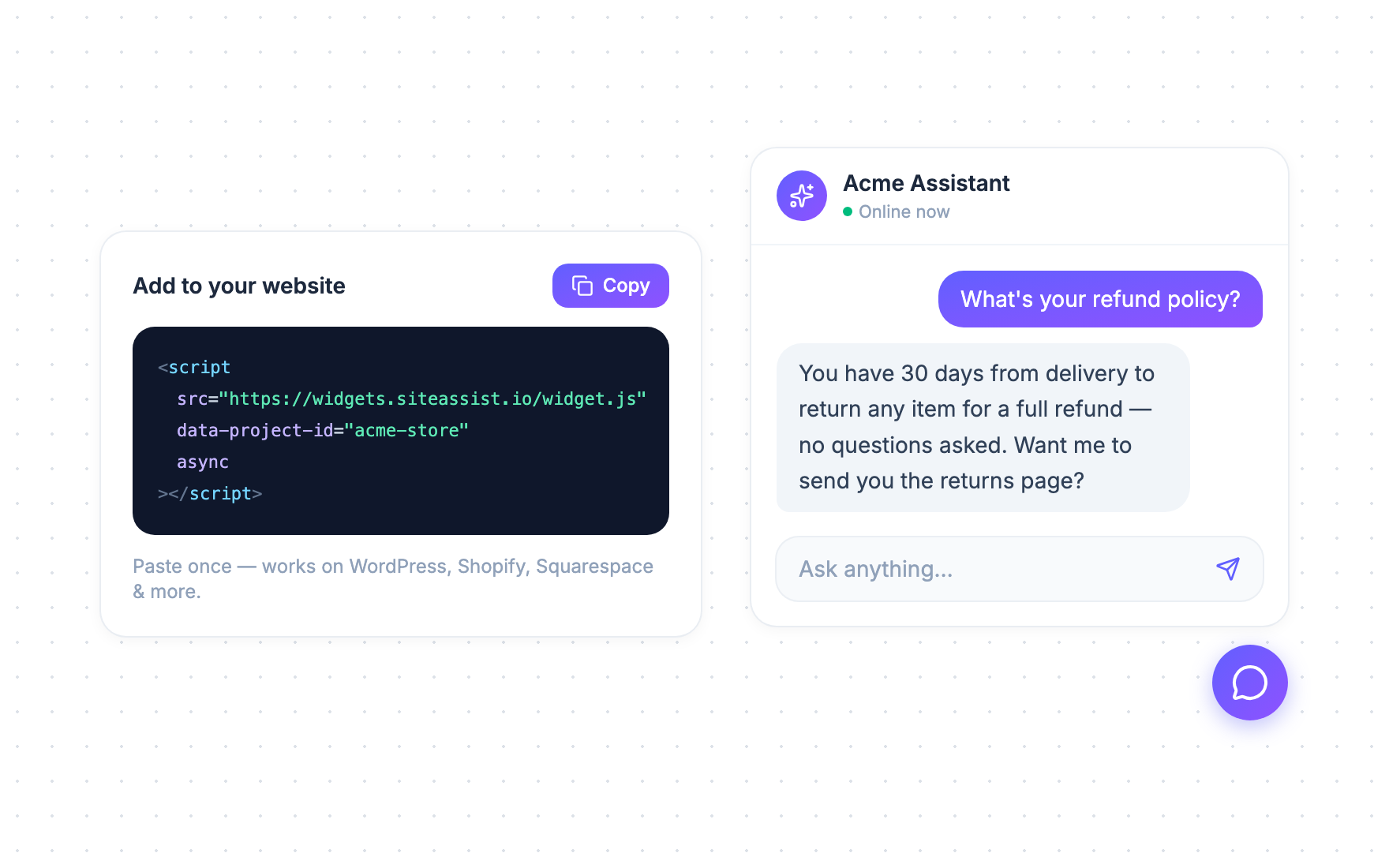
If you’ve never touched your site’s code, here’s the copy-paste home for every major platform:
- WordPress — paste it into a footer widget or use any “insert headers & footers” plugin
- Shopify — Online Store → Themes → Edit code → paste before
</body>intheme.liquid - Squarespace / Wix / Webflow — Settings → Custom code / Code injection → paste in the footer
Refresh your website, and there it is: a chat bubble in the corner, ready to answer questions. Total time from URL to live assistant: about five minutes.
What your assistant can do from day one
The moment it’s live, your assistant is:
- Answering instantly, 24/7 — including the 3 a.m. visitor and the Sunday shopper your support inbox never sees
- Handling the repetitive stuff — the same ten questions that make up most of your support volume disappear from your inbox
- Staying on-topic and honest — it answers from your website’s content, and when it genuinely doesn’t know something, it says so instead of making things up
- Working on every page — product pages, pricing, docs — right where questions actually happen
And when your website changes — new products, new pricing, new policies — you can refresh the assistant’s knowledge with a re-crawl. No retraining projects, no maintenance contracts.
“But I’m not technical” — the questions everyone asks
Do I need to write any code? No. The only thing resembling code is the embed snippet, and your job is Ctrl+C, Ctrl+V. If you can add a YouTube video to a page, you can do this.
Do I need to prepare training data or upload documents? No. Your website is the training data. If the answer exists on your site, your assistant learns it automatically. (You can add extra knowledge later if you want — but you don’t need any of that to launch.)
What if the AI gives wrong answers? Because the assistant answers from your website’s content — not from the open internet — it’s grounded in what you’ve actually published. When it can’t find an answer, it’s designed to say so rather than guess. You can review conversations anytime and see exactly what customers are asking.
Will it work on my platform? If your website can display a page, it can run the assistant. WordPress, Shopify, Squarespace, Wix, Webflow, custom-built — the snippet works the same everywhere.
How much does it cost to try? Nothing. SiteAssist is free to start, with no credit card required. Build it, test it on your real website, and decide afterwards.
Five minutes from now, your website answers back
Every day without an assistant, the math stays the same: visitors with questions leave, and your team keeps answering the same emails.
Five minutes from now, that can be different:
- Enter your URL at siteassist.io
- Let the AI read your site — a minute or two
- Paste the snippet — and you’re live
Your website already contains the answers. Give it a voice.